EduAdmin vs Administrate

A Comparison of Top Training Management Systems


EduAdmin vs Administrate: Key Differences

The main difference between EduAdmin and Administrate lies in how they combine training management, sales, and learning delivery:

  • Administrate is designed as an enterprise-focused Training Management System (TMS) that combines course mangement with sales, qouting and revenue tracking at enterprise global scale.
  • EduAdmin provides a more unified platform for all training, including both a Training Management System (TMS) and a built-in Learning Management System (LMS) with SCORM support.

In short:

  • Administrate focuses on deep operational planning and resource budgeting on the enterprise level.
  • EduAdmin focuses on usability and flexible training management with easier acces to the full training lifecycle in one unified system. 

EduAdmin vs Administrate: Comparing Target Audiences

When comparing EduAdmin and Administrate, the differences are less about basic features and more about how each platform handles complexity.

Both systems are designed to support Instructor-Led Training (ILT) and large-scale training operations. However, they take different approaches to managing scheduling, resources, participants, and integrations.

Administrate is primarily designed for those already at the enterprise level looking to simplify and automate repetetive tasks within a highly complex training environment. It is often used in industries where budgeting, resource allocation, and logistics involve multiple dependencies across locations, instructors, and equipment.

EduAdmin EduAdmin serves a broader range of organisations, including commercial training providers, and companies managing internal training programmes. It is particularly well suited for organisations that need to combine course sales, participant management, certification tracking and operational delivery in one platform.

For organisations where selling courses is only one part of a larger training operation - especially those delivering ILT, Virtual Instructor-Led Training (vILT), E-learning and Blended learning - EduAdmin provides the structure and automation needed to scale without losing control.

Comparing CRM Capabilities in EduAdmin and Administrate

When comparing EduAdmin vs Administrate, CRM functionality is one of the substantial differentiators. Both platforms have built-in CRM features that allow you to manage contacts and participants, but they take different approaches to how CRM data is used.

Administrate's elaborate CRM Features

Administrate includes extensive functionality for managing sales processes, including quoting, customer management, and revenue tracking. This makes it a good fit for organisations with dedicated sales teams and complex commercial workflows.


EduAdmin's CRM and Participant Management

EduAdmin CRM connects customer data directly to training operations. This allows organisations to manage data from both course sales and the participant lifecycle - from registration and scheduling to delivery, certification, and follow-up within the same system, without relying on separate tools.

The platform builds detailed profiles for both external participants and internal learners, capturing:

  • Training history
  • Competencies
  • Compliance requirements

Features such as automated waitlists, group bookings, and certification tracking allow organisations to manage complex training programmes at scale.

This makes EduAdmin particularly strong for organisations delivering ILT, vILT, and Blended learning, where participant tracking, scheduling, and resource coordination are tightly interconnected.

By tracking mandatory compliance deadlines, EduAdmin also makes it easier to, for instance, keep track of UK GDPR training or CPD requirements outlined by the Information Commissioner's Office (ICO).
Administrators can view exactly which modules a participant has completed, when their qualifications expire, and what resources they need for upcoming sessions.
For UK professionals maintaining standards set by the Chartered Institute of Personnel and Development (CIPD), you get a clear, operational view of your entire training schedule without having to navigate through a separate system.

Want to know more?

EduAdmin vs Administrate

Key features

See which solutions each service offers

EduAdmin
Administrate
Course Management

Scheduling workflows and support for both instructor-led training (ILT) and virtual instructor-led training (vILT)

EduAdmin
Administrate
CRM functionality

EduAdmin
Administrate
Course sales & e-commerce

EduAdmin
Administrate

Via integrations

LMS & E-learning

Built-in learning platform to create, deliver, and track digital training

EduAdmin
Administrate

Via integrations

Target Audience

EduAdmin

Small, medium and larger business looking to scale training operations without increasing admin

Administrate

Enterprises looking to optimise existing workflows in their training operations.

Integration Capabilities

No training management system operates in a vacuum. Your software must talk to your accounting tools, your learning management system, and your internal communication platforms. Both EduAdmin and Administrate integrate with wider software ecosystems, but in different ways.

Administrate Integrations

Administrate is designed to fit into enterprise ecosystems and integrates with a wide range of systems, including:

  • CRM platforms
  • HR systems
  • Financial tools
  • External LMS solutions

Its architecture supports organisations that prefer a best-of-breed technology stack aimed at large corporations.

EduAdmin Integrations

EduAdmin focuses on operational and organisational integrations, particularly for the UK and European markets.

  • Accounting and payment software such as Sage, Xero, Visma, Fortnox, Stripe among many others
  • Competence databases, e.g. ID06, Skillnation and GWO Winda
  • Microsoft dynamics 365 and Active Directory environments

Its API enables organisations to automate workflows such as:

  • Employee onboarding and training assignments
  • Department-based access control
  • Compliance tracking across teams

For organisations managing internal training or blended delivery models, this level of integration is critical.

Course Sales and Payment Processing

One key difference between the platforms is how they handle course sales.

  • Administrate supports commercial training workflows, including pricing and enrollment, but often relies on integrations for complete e-commerce and payment functionality.
  • EduAdmin includes built-in support for course registration, invoicing, and payment processing, including integrations with providers such as Stripe.

For commercial training providers, this distinction can significantly impact how easily courses can be marketed and sold online.

ILT, vILT and E-learning Support

Both EduAdmin and Administrate support Instructor-Led Training (ILT) and Virtual Instructor-Led Training (vILT), but with different strengths.

  • Administrate excels in managing resource-heavy ILT envrionments with complex dependencies.
  • EduAdmin provides strong support for ILT and vILT while also managing participant workflows, communication, and follow-up activities.

For organisations focused on SCORM-based e-learning, Administrate has available integrations with external LMS solutions while EduAdmin has it's own LMS which includes support for SCORM.

Alternatives to EduAdmin and Administrate for LMS

If you're only looking for a Learning Management System and have no need for the additional functionality in a Training Management system, there might be better alternatives to EduAdmin and Administrate.
There are several alternatives in the LMS space, for example:

  • Docebo
  • Skillboost
  • Canvas LMS

The right choice of course depends on you needs.
Most commercial training providers can get started with a LMS, but struggle to scale without the business and automation aspects which regular Learning Management Systems often lack.

UI and UX Comparison for Training Management


Backend Administrator Interface

Administrate provides a powerful but complex interface designed for advanced planning scenarios. It is optimised for users who need deep visibility into resource allocation and scheduling dependencies.

EduAdmin offers a more structured and accessible interface that prioritises:

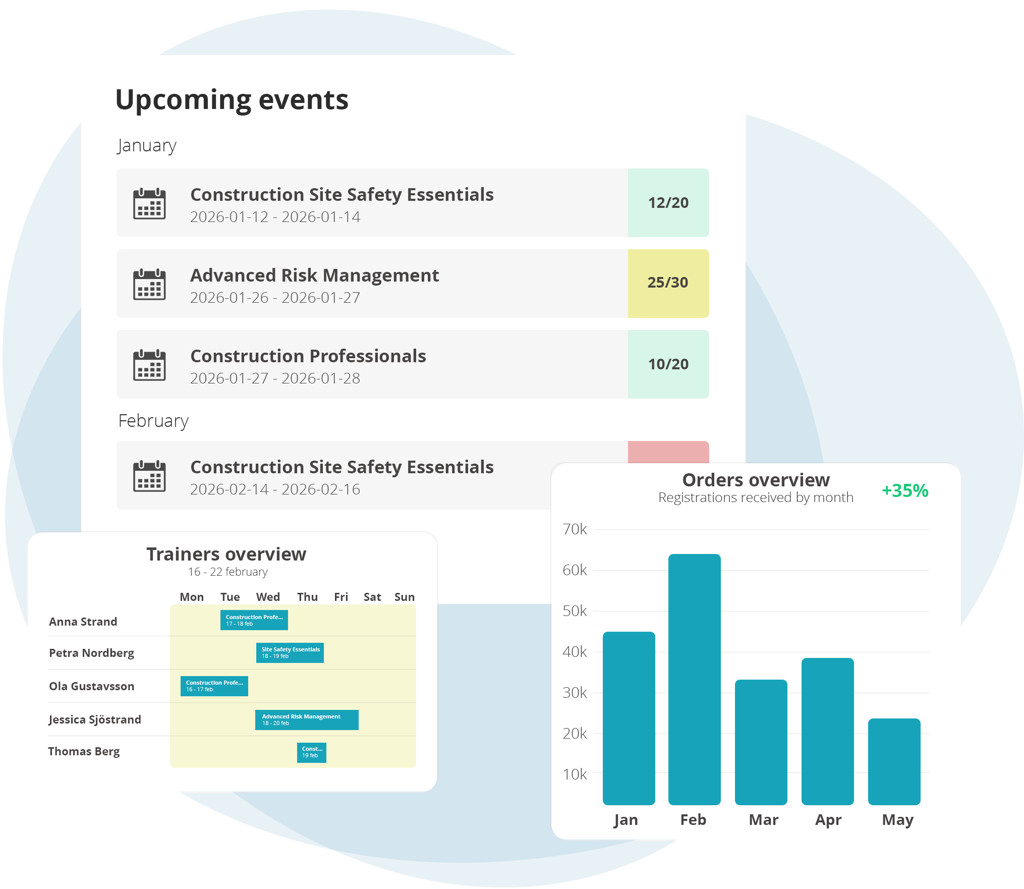
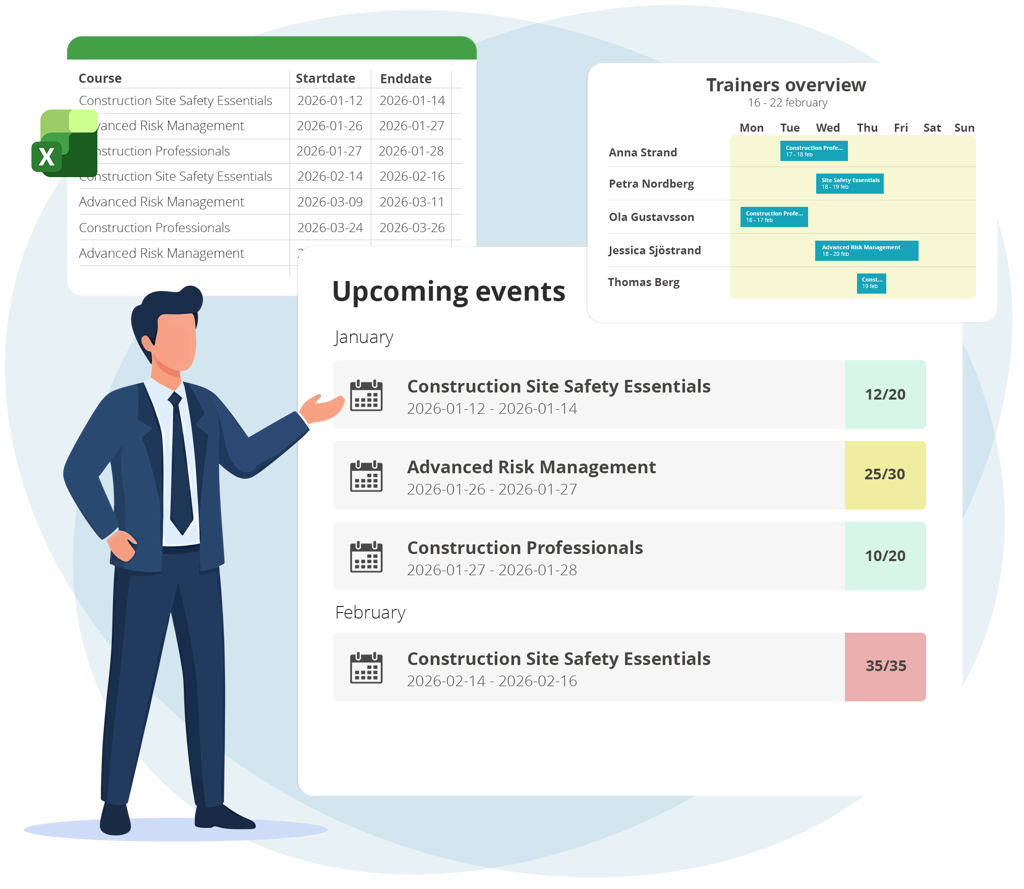
  • Task management
  • Scheduling clarity
  • Operational workflows

This makes it easier for training coordinators to manage day-to-day activities without extensive system training.

Frontend Learner Experience

Administrate typically relies more on integrations or external systems to deliver a digital learner-facing experience.

EduAdmin provides a clear and functional learner portal where participants can:

  • Register for courses
  • Access training materials
  • Join virtual sessions
  • Track certifications

EduAdmin vs Administrate Pricing Breakdown

Training Orchestra Pricing

Even though Administrate doesn't publicly display any exact pricing, since they base their pricing model on organisational size, complexity, and implementation scope, they do mention that their packages range fom five to mid-six figures.

EduAdmin Pricing

EduAdmin also bases its pricing on the scale of your internal operations. The cost structure reflects its position as a scalable course administration system. Costs align with active users, with plans from £279 per month.

Implementation Considerations

Administrate implementations often involve significant configuration to align with complex enterprise workflows and integrations.

EduAdmin implementations focus on configuring workflows, integrations, and automation across training operations, typically with faster time to value for most organisations.

Final Verdict: Which Platform Should You Choose?

Choosing between EduAdmin and Administrate depends on the complexity of your training operations and the scale of your business.

If your focus is on optimising the scheduling and budgeting for a large-scale training operation, Administrate is a strong fit.
If you need a flexible, end-to-end system that combines course sales, participant management, and operational workflows all in a single system, EduAdmin provides a more balanced, accessible and unified solution.

For many organisations, the decision comes down to this:

Do you need a system built for complex planning at enterprise scale, or one designed to manage the full training lifecycle while you scale your business?

We Know What It Takes to Run a Successful Training Business

Contact us for a demo and see how our 20+ years of experience can help you succeed

Download Our Whitepaper

Discover how EduAdmin’s Digital Exam Module can transform your exam process.
Learn about best practices, key features, and how digital exams can improve efficiency, security, and user experience across your organization.