Instructor and Trainer Portal

Everything your trainers need, in one place

The smart and intuitive trainer portal that gives instructors full control over their assignments – whether they work internally, externally or remotely. Gain an overview of upcoming training events, participant lists, attendance, grades and activities.


Every session, participant list and course detail at a glance

With EduAdmin’s instructor portal, your instructors get a clear calendar overview of all events they are added to, complete with course information, participant lists and practical details.

All the information they need is gathered here – whether it involves managing participants, updating attendance, grading or keeping track of upcoming Instructor-Led Training (ILT) events.

The hub of your training delivery

See all upcoming sessions in a calendar

Get a clear overview of upcoming courses and sessions in a calendar, making it easy to plan ahead.

View participant lists and course materials

Access up-to-date participant lists and relevant course materials in one convenient place.

Record attendance

Record participant attendance quickly and accurately for each course session.

Grade participants

Record grades and assess participant performance to keep training records up to date.

Launch digital exams and course evaluations

Launch digital exams and course evaluations directly from the instructor portal for a smooth, connected experience.

Schedule their own courses

Allow instructors to schedule their own courses and sessions within the framework you define.

Let participants self-register on site

Let participants register their attendance on site using a simple self-registration process.

Send notifications and feedback to participants

Send notifications and share relevant information and feedback with participants to keep everyone informed.

In the portal, instructors can quickly and easily:

  • Manage participants and gain full overview of groups and update attendance.

  • View all upcoming events with dates, locations and course materials.

  • Grade participants in the portal, without duplicate work or paper management.

  • Launch activities and effortlessly start digital training activities, such as digital exams and course evaluations.

  • Schedule their own courses and allow participants to self-register on site.

Run course evaluations from the classroom

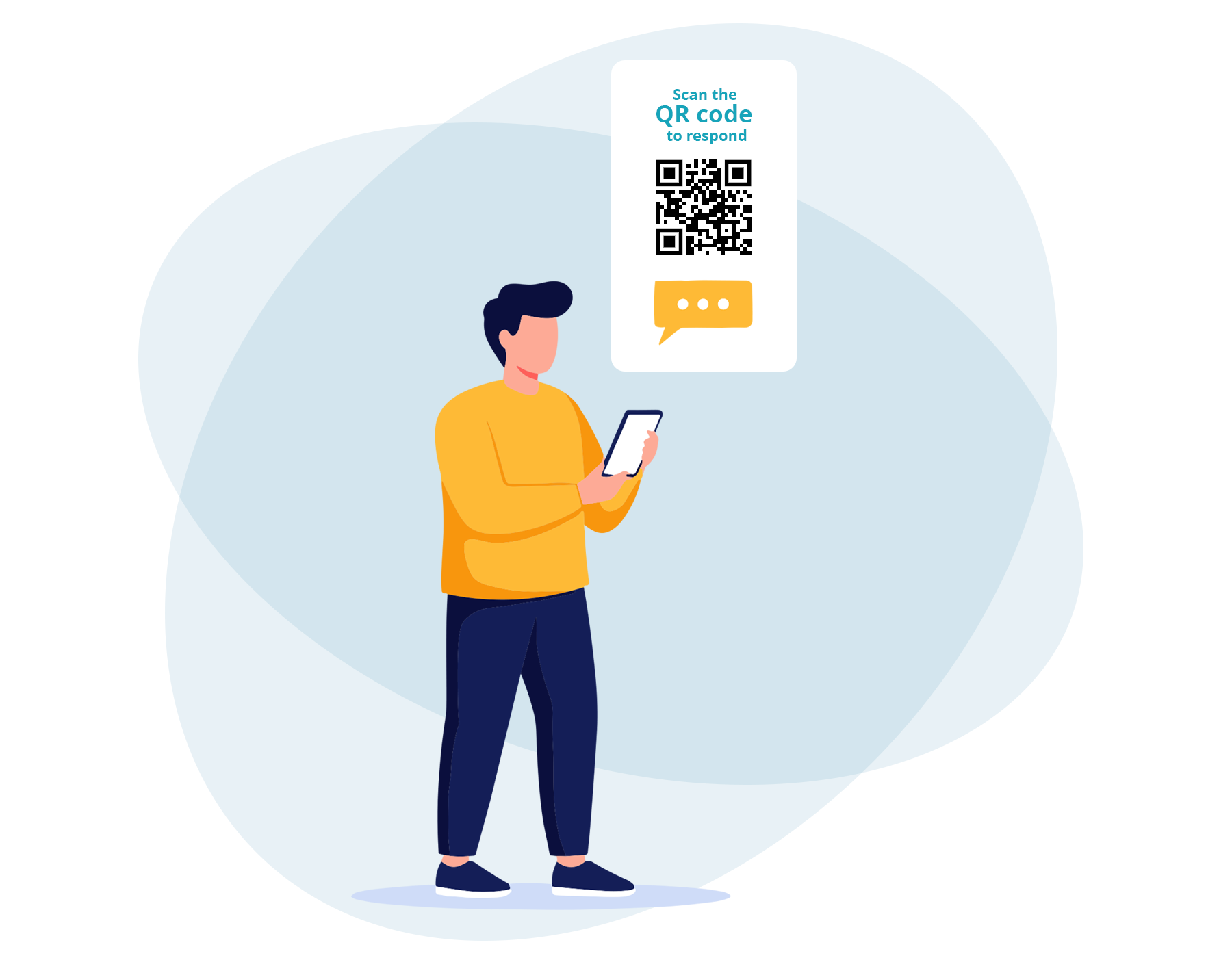
With the Instructor Portal, you can easily collect course feedback while the experience is still fresh. At the end of the session, simply display a QR code for participants to scan with their phones and complete the course evaluation – no logins or complicated links required.

This quick and convenient process encourages higher response rates and gives you valuable feedback to improve future training.

Effortless instructor management

With the Instructor Portal, instructors can keep track of upcoming sessions, access course materials, manage participants and stay on top of their tasks in one place.

Clear overviews and easy access to essential information help them plan their time effectively, reduce administration and focus on delivering great training.

The instructor portal on every device

Instructors check schedules and record attendance from a laptop, tablet or phone, synced with EduAdmin in real time.

Trusted by training teams worldwide


Rated on G2 by training management software users.

Frequently Asked
Questions

About
The Instructor Portal

What is an instructor portal?

A login area where trainers see their sessions, participants and course materials, record attendance and grade participants.

Can external or freelance trainers use the portal?

Yes. It works for instructors who are internal, external or remote.

How do you find the right instructor for each session?

EduAdmin checks qualifications against course requirements and shows availability, so only a qualified, available instructor is booked.

Can instructors record attendance and grades in the portal?

Yes. Updates sync to EduAdmin in real time.

Can instructors start digital exams and evaluations?

Yes, directly from the portal.

Can instructors schedule their own courses?

Yes. They can schedule courses and let participants self-register on site.

Optimise your instructors' workday

Provide your trainers with a smooth and complete workspace where they can easily manage participants, keep track of upcoming events and record results – all gathered in EduAdmin’s Instructor Portal.

Download our Whitepaper

Learn more about how you can work with EduAdmin