Course Booking Software for Training Businesses

EduAdmin comes complete with an online booking portal that lets customers find, book and pay for courses seamlessly

Give your customers a smooth and professional booking experience – directly on your own website. With EduAdmin's booking portal, you can quickly and easily showcase your courses, receive bookings, and manage participants – all in one seamless flow.

Sell more courses with less admin

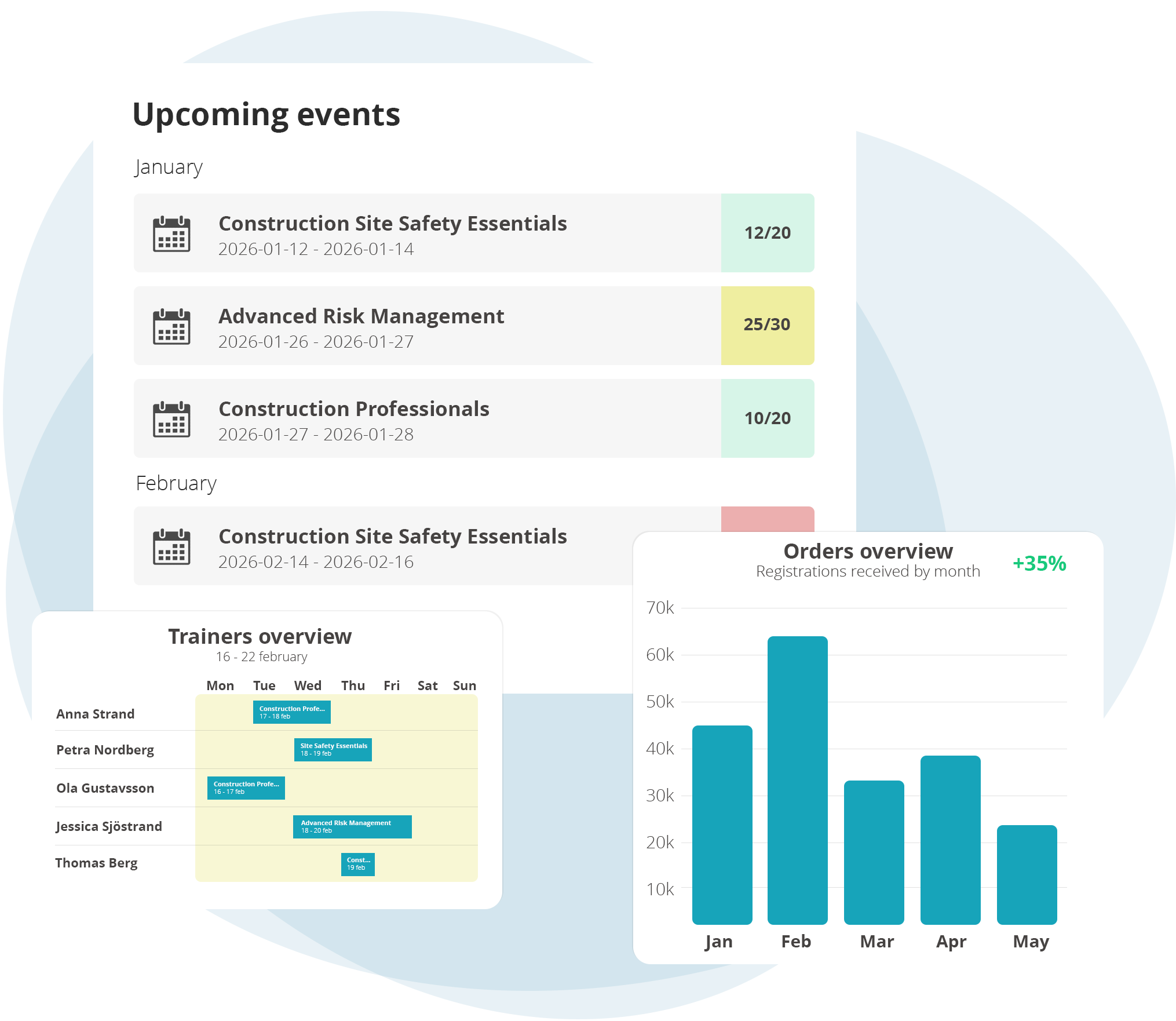
EduAdmin's course booking software turns your website into a booking channel: customers find, book and pay for courses in one go, and every booking lands straight in EduAdmin.

  • Take bookings around the clock
    Customers book directly on your website, with no detours.

  • Get paid at the point of booking
    Customers pay by card through Stripe Checkout or choose to be invoiced.

  • No manual website updates
    Course dates, places and prices sync from EduAdmin automatically.

  • Don't lose demand when a course is full 
    Waiting lists collect interest for the next date.

Set up in minutes with JavaScript or WordPress

Install the portal by adding a simple JavaScript to your website, or use our ready-made WordPress plugin. No complicated integrations, no technical headaches – you’ll be up and running in just a few minutes.

Separate booking portals for different brands and audiences

Select which courses you want to display, tailor the design to match your website profile, and create multiple portals if you have different target audiences or brands. You have full control over the content and presentation.

Let customers find, compare, book and pay online

Your visitors can quickly find, compare and book courses directly on your site – with no detours. Everything is automatically synced with EduAdmin, so you avoid duplicate work and manual updates on the web.

It saves time and gives your customers a professional overall experience where customers can pay by card at booking through Stripe Checkout, or choose to be invoiced.

Everything your customers can do in the portal

Browse your full course catalogue

Explore your complete course offering in one place and easily find the right training.

See live dates, places and prices

View up-to-date course dates, available places and prices before making a booking.

Book in a few clicks

Register for your chosen course quickly and easily with a simple, streamlined booking process.

Pay by card with Stripe

Pay securely by card at the time of booking using integrated Stripe payments.

Choose invoice payment

Select invoice payment at checkout for a convenient alternative to paying by card.

Join a waiting list when a course is full

Join a waiting list for fully booked courses and get the opportunity to secure a place if one becomes available.

Get automatic booking confirmations

Receive an automatic booking confirmation with the details of your registration as soon as your booking is complete.

Book on any device

Browse courses and complete your booking easily on desktop, tablet or mobile.

From course catalogue to completed booking

EduAdmin’s booking portal and booking forms work together to create a smooth and efficient booking experience – both for your customers and for you as a training provider.

The booking portal showcases your entire course catalogue, giving customers an easy way to explore your training offering, compare course dates and locations, and find the right course. When they’re ready to book, the booking form handles the registration, collecting the necessary participant and booking details.

Together, they create a seamless journey from discovering a course to completing a booking, while keeping everything connected in one system and reducing manual administration.

Course booking that works on every device

EduAdmin’s booking forms are fully responsive and work seamlessly across desktop, tablet and mobile, giving your customers a smooth and professional booking experience.

Trusted by training teams worldwide


Rated on G2 by training management software users.

Frequently Asked
Questions

About
Course Booking Software

What is a course booking portal?

A course catalogue on your own website where customers find, book and pay for courses, kept in sync with EduAdmin.

How is course booking software different from a general booking tool?

General booking tools handle single appointments or one-off events. Course booking software handles recurring courses across dates and locations, company bookings, waiting lists and invoicing.

Does it work with WordPress?

Yes. Use the ready-made WordPress plugin, or add a short JavaScript snippet to any website.

Can customers pay when they book?

Yes, by card through Stripe Checkout, or by invoice.

Can I run separate portals for different brands?

Yes. Create multiple portals with their own course selection and design.

Do dates and prices update automatically?

Yes. Course dates, locations and prices sync from EduAdmin.

EduAdmin Course Booking Software makes it easy to publish and sell training online

With a modern and user-friendly portal, your customers can quickly find, book and pay for courses directly on the web. Automated processes reduce administration, while integrations with your CRM and accounting system provide full control. Increase sales, save time and offer your clients a smooth booking experience – all in one single system.

Download our Whitepaper

Learn more about how you can work with EduAdmin