Training Scheduling Software for Training Providers

Take Control of Your Training Schedule

Simplify training scheduling with reusable templates and recurring sessions that eliminate repetitive set-up. Manage course scheduling in one place, with instructors, venues and resources booked without clashes, while your training calendar keeps every session organised and easy to oversee.

Less time planning, no double bookings

EduAdmin's training scheduling software puts every course, session, instructor and venue on one training calendar, so planning a full programme takes minutes, not days.

  • Set up a whole programme in a few clicks. Smart templates create one-off, recurring and multi-session courses without re-entering details.

  • Book the right instructor every time. Qualifications and availability are checked before you confirm a session.

  • No clashes. A consolidated schedule view stops trainers, rooms and resources being double-booked.

  • Everyone arrives prepared. Invitations and confirmations go out to instructors and participants automatically.

Schedule one-off, recurring and multi-session training courses

Create structured, long-term training schedules with ease. Use smart templates for different course types and quickly set up one or multiple sessions in just a few clicks.

Whether you’re planning recurring programmes or one-off courses, EduAdmin helps you stay organised while saving time on repetitive tasks. Adjust schedules when needed and keep everything aligned in a clear, easy-to-manage overview.

Book the right instructor, venue and resources, without clashes

Coordinate your team and resources without the guesswork. Easily assign instructors to courses, check availability in real time, and ensure the right person is booked for the right session.

Skills and qualifications are matched to each session, and a consolidated schedule view prevents double bookings.

Automated communications make it simple to send invitations and confirmations on time, keeping everyone informed and prepared. This reduces the risk of scheduling conflicts and improves the overall flow of your training operations.


Training scheduling features

Course templates

Create new courses quickly using reusable templates that keep course details consistent and reduce repetitive set-up.

Recurring sessions

Set up recurring sessions easily to save time and keep repeat training organised.

Multi-date and multi-location courses

Manage courses across multiple dates and locations while keeping all sessions connected in one place.

Real-time instructor availability

Check instructor availability to assign the right people to each session and avoid scheduling conflicts.

Venue booking

Book and manage training venues alongside your courses to keep locations and schedules organised.

Double-booking prevention

Prevent scheduling conflicts by ensuring instructors, venues and resources are not booked for overlapping sessions.

Shared calendars

View courses, instructors and venues in shared calendars to give your team a clear overview of the training schedule.

Automatic invitations and confirmations

Automatically send invitations and booking confirmations to keep instructors and participants informed.

Shared calendars for your whole team

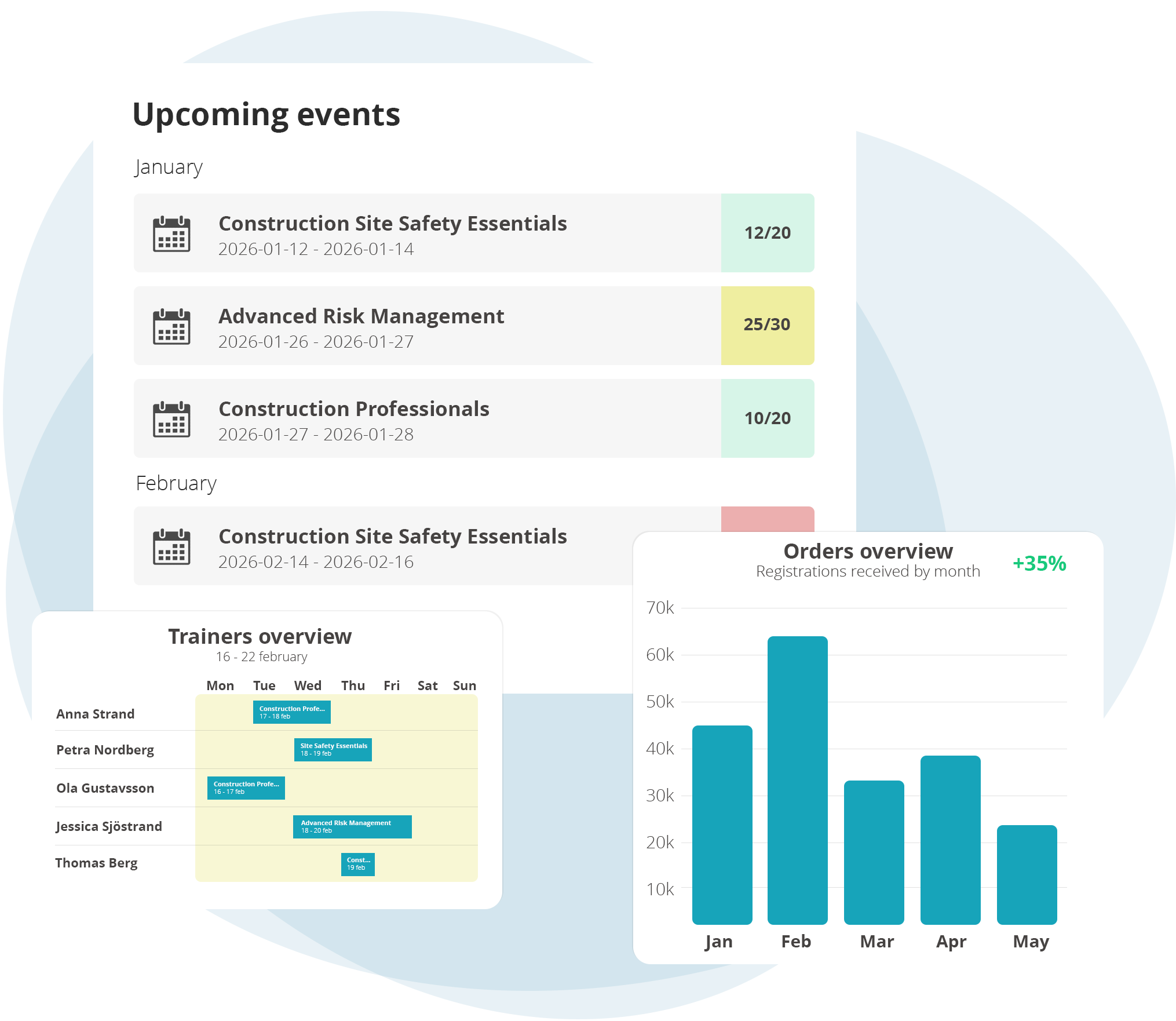
Give your whole team a complete, top-down view of your training operations with shared calendars that bring courses, instructors and venue availability together in one place.

See what’s scheduled, identify availability and potential conflicts, and keep everyone on track with automatic reminders. With a clear overview of your training activities, your team can plan ahead, coordinate resources and keep everything running smoothly.

Trusted by training teams worldwide


Rated on G2 by training management software users.

Frequently Asked
Questions

About
Training Scheduling Software

Can I schedule recurring courses across several dates and locations?

Yes. Templates set up one-off, multi-session and recurring courses in a few clicks.

How does EduAdmin prevent double bookings?

A consolidated schedule view shows instructor and venue availability, so the same person or room isn't booked twice.

Can instructors see their own schedule?

Yes. The instructor portal gives each trainer a calendar of their sessions.

Can invitations and confirmations be sent automatically?

Yes. Instructors and participants receive invitations and confirmations on time.

Your whole training calendar, under control

Manage your entire training schedule in one place, from courses and instructors to venues and resources. Get a clear overview of upcoming sessions, avoid booking conflicts and automate reminders to keep everyone informed.

With everything connected in one training calendar, you can spend less time coordinating schedules and more time delivering great training.

Download our Whitepaper

Learn more about how you can work with EduAdmin